Product design and innovation
AIPT Fitness Course Suite
A new brand, design system and AI-supported build process for the Australian Institute of Personal Trainers, proven in a suite of fitness courses.
- New AIPT learning brand and digital assets
- One-click course theming
- Bespoke interactions built with an AI skill
- Five live course samples
- Role
- Product Design and Innovation Lead
- With
- Foundation Education (AIPT)
- When
- 2026
- Practice
- Learning design, Interaction design, Products and tools
Project
A new brand, a design system and a faster way to build, proven in a suite of fitness courses
As Product Design and Innovation Lead at Foundation Education, I led the redesign of the digital learning experience for the Australian Institute of Personal Trainers (AIPT). I built the new AIPT learning brand and every digital asset behind it, then created the tools, systems and processes that let the whole team build to that standard quickly. The fitness courses in this suite are both the proof and the product: examples of what can now be built rapidly and at scale, and showcases of my own design work.
The problem
AIPT delivers fitness qualifications through Articulate Rise 360. Rise is quick to author in, but it limits how far a brand and a learning experience can go: a few preset themes, a fixed library of blocks, and no supported way to change either. Courses looked like generic Rise, and subjects like anatomy and exercise technique, which need to be seen and explored, were being taught with the same handful of stock blocks.
The harder problem was scale. A better course built by one specialist does not help a company with a large library to redevelop and new qualifications to build. Whatever I designed had to be usable by any team member, an external contractor or someone with no design training at all.
The solution
I treated it as a product design problem with four connected parts:
- A new AIPT brand for digital learning. I designed the branding and all digital assets from scratch, with a focus on scalability, use across platforms, accessibility and experience design.
- One-click theming. The full brand is captured as a preset in my Rise custom styling extension, so colour, typography and component styling are applied to an entire course in one step and travel with it when it is published.
- Bespoke interactions on demand. A Claude Skill I wrote for Rise Code blocks generates custom interactions that are on brand, accessible and editable by authors who do not code. I review and iterate every one as the designer.
- Workflows that anyone can follow. New user workflows, design processes and supporting systems, including agentic AI, so that new builds and redevelopment of old content are fast and consistent whoever is doing the work.
Together these push Rise well past what it does out of the box, through bespoke software and process innovation, while keeping the speed that makes it worth using.
My role
I acted as the product design and innovation lead across the whole project:
- Strategy: Setting the learning, interaction and experience design direction for the AIPT product portfolio.
- Graphic design: Creating the new AIPT learning brand and its full set of digital assets.
- Experience design: Designing the learner journey and the bespoke interactions within it.
- Process design: Developing the workflows, documentation and automation that let others build to the same standard.
- Innovation: Designing and directing the software that makes it possible, built through rapid iteration.
- Leadership: Providing vision and creative direction, and upskilling team members in AI and other new technologies.
Process
1. Strategy
I started from the constraint that mattered most: the result had to scale. That ruled out one-off craft and pointed to systems. Every design decision was tested against the same question: could someone else apply this tomorrow, without me?
2. Brand and assets
I built the AIPT learning brand as a system: colour, typography, shape and a library of digital assets designed to work across platforms and screen sizes. The brand has a deliberately small palette, so accessibility shaped how it is used. Text on the AIPT orange is black, because white on that orange fails contrast, and darker steps of the same orange are defined for links and for icons on light backgrounds. Corners are square, headings are heavy, and orange is kept for buttons, markers and single accent lines so it never crowds the content.
Banners are built as SVG with live text, so a heading inside a graphic keeps its real heading level and stays selectable and readable by screen readers. I also built a small browser-based SVG editor so banner text, colours and crops can be changed without design software.
3. Theming as a single step
The brand was then encoded as a theme preset in the Rise custom styling extension. Applying it styles a whole course, in the editor, in preview and in the published package, and the extension corrects text contrast as it goes. Legacy courses can be brought up to the new brand without being rebuilt.
4. Interactions beyond the block library
Fitness content needs the body drawn accurately and movement shown clearly. Using the Code block skill, I designed labelled anatomy, flows through the heart and lungs, joint models and animated exercise demonstrations, all drawn on one reusable base character so every figure shares the same body and style. Each interaction went through review and iteration, and each lesson learned was written back into the skill so the next block started from a higher baseline.
5. Workflows for the whole team
With the brand, the theme and the interaction skill in place, I designed the workflows around them. A course starts from the existing learner guide, becomes a storyboard, and then a themed Rise build populated with native blocks and custom interactions. Separate Claude Skills generate learning activities and learner guides straight into locked Word templates, and a design guide to Rise's block types supports wireframing. The extension is distributed to colleagues with an installation guide written for non-programmers. The aim was that an untrained user could follow the process and get a consistent, on-brand, accessible result.
6. Proving it in production
The courses in this suite were built and published with these tools.
Building a Client Program, Step by Step (SIS30321) is an extended gym scenario. The learner acts as the instructor for one client, Sami, across seven short lessons: meeting the client and their goal, setting loads, setting cardio intensity, choosing exercises, building the session, and delivering, adjusting and reviewing it. It was a fast-turnaround course, so I ruled out video and designed custom interactions instead: intensity explorers for strength and cardio, a seven-step client worksheet, an exercise line-up builder where the learner assigns and then sequences exercises, a session time worksheet and a warm-up and cool-down sort.
The storyboard went through seven versions. The most important change came from my own review: early drafts used calculators that filled in the answer, and I had them redesigned as worksheets that check each step, because the learner has to do the calculation themselves for it to stick. No result is shown before its question, and no answer appears before the concept behind it has been introduced.
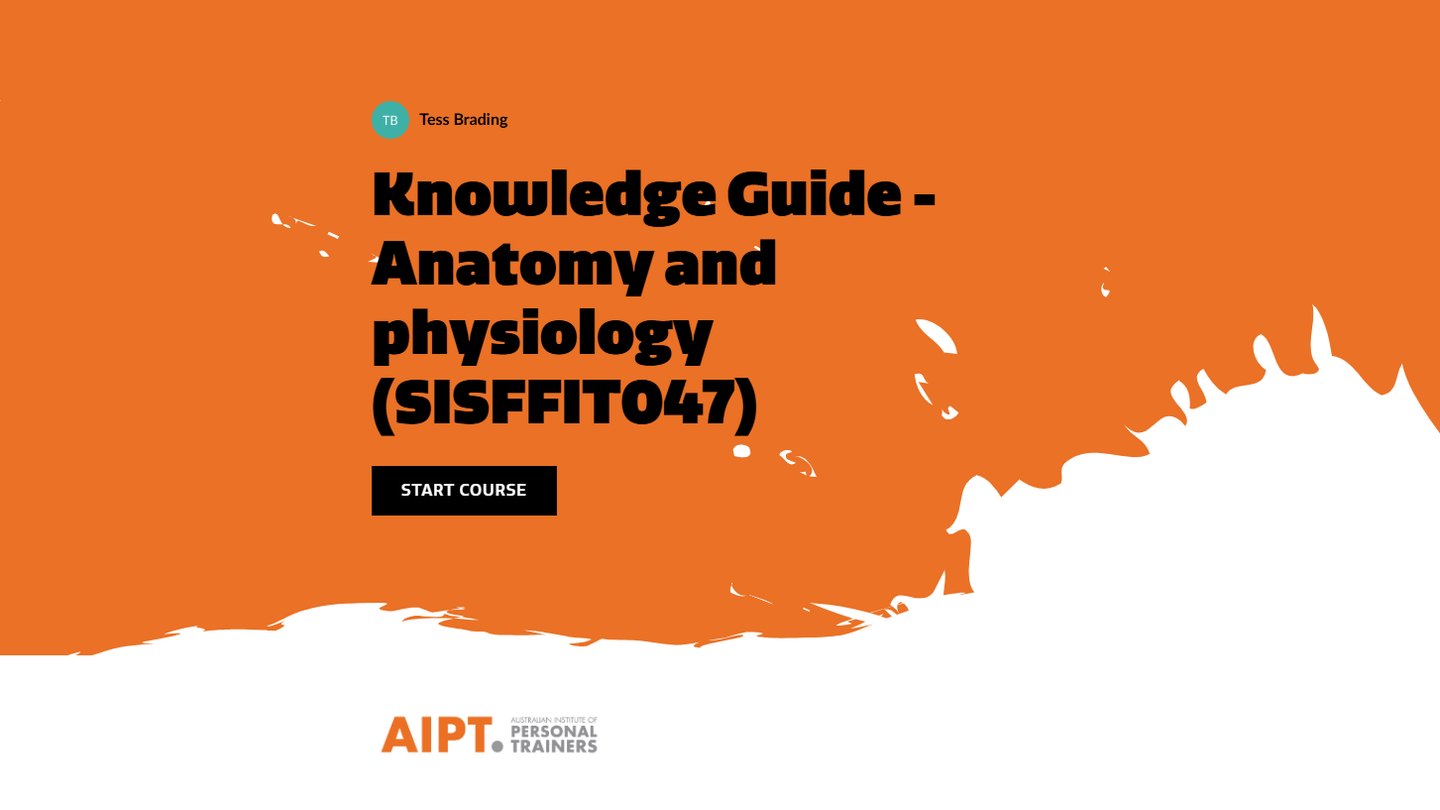
The SISFFIT047 guides restructure one large learner guide into three knowledge guides (anatomy and physiology, the musculoskeletal and nervous systems, and the cardiorespiratory system and thermoregulation) and a practical guide on applying them to safe and effective exercise. These carry the illustrated anatomy, blood-flow and joint interactions and the animated exercise demonstrations.
Impact
Impact and outcomes
- A distinct, consistent brand. AIPT courses now carry their own identity in colour, type, shape and illustration, in place of default Rise.
- Speed at scale. Theming a course is one step, and bespoke interactions are generated and refined in a fraction of the time hand-building would take, creating new efficiencies for the company.
- Anyone can build. Team members, external contractors and untrained users can create new builds and redevelop old content to the same standard.
- Better learning. Subjects that need to be seen and explored are taught with interactions designed for them, not with whichever stock block was closest.
- Accessible by design. Contrast, keyboard use, reduced motion and phone layouts are built into the brand, the theme and every interaction.
Try the courses
For a more in-depth look, you can access a selection of live, privately hosted courses from this project. They are password-protected and intended for portfolio use only.